Custom Roles & Permissions
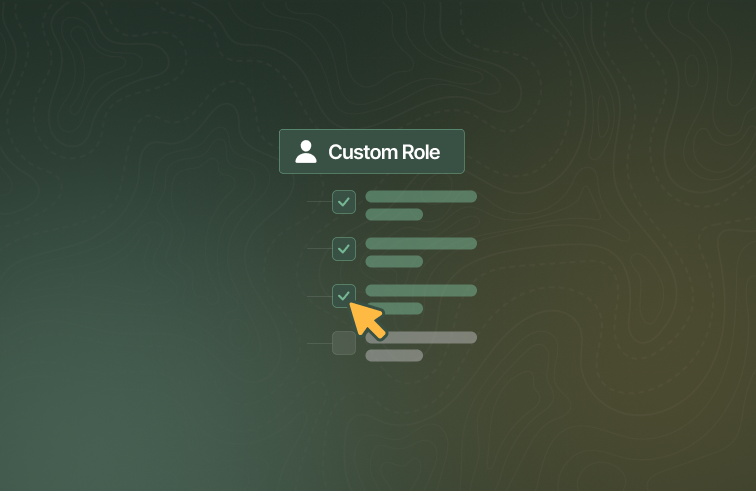
Take control of who can do what in RTOPilot: custom roles and permissions arrive for the admin portal, alongside stronger password security and a set of admin quality-of-life improvements and fixes.
What's new
Custom roles and permissions
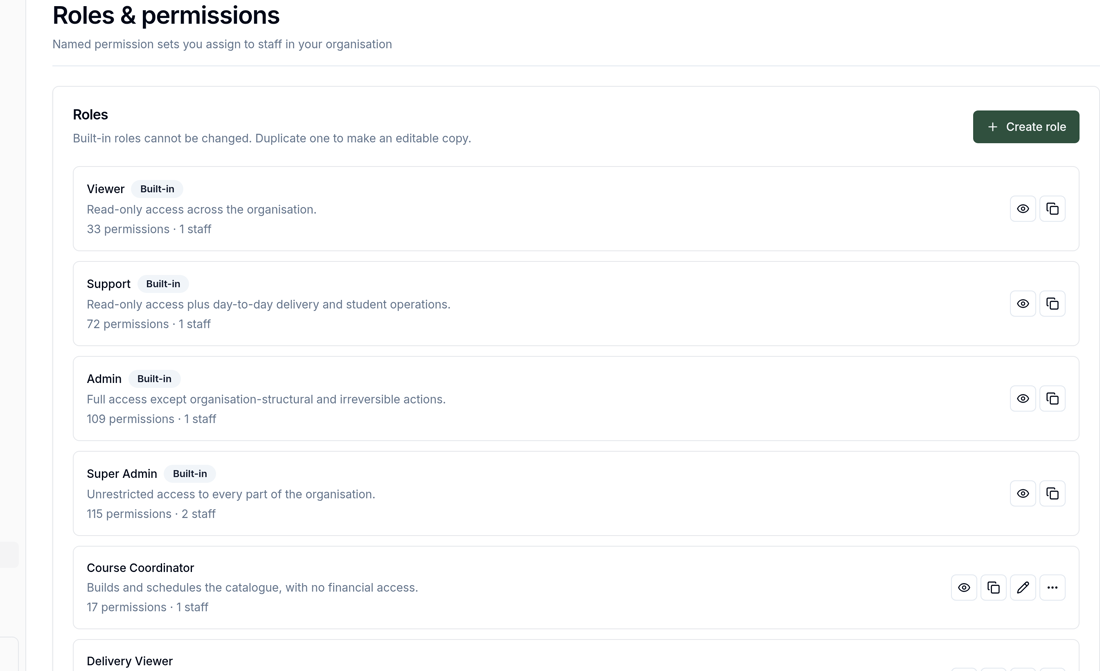
Administrators can now control exactly what each staff member can see and do. A new Roles page in Settings lets you create, edit, duplicate and delete custom roles, choose the precise permissions each role grants, and assign roles to your team. Pages, buttons and menus a person doesn't have permission for are hidden, and reaching a restricted page directly shows a clear message naming the permission to ask for.
Improvements
Password security is strengthened: changing your password now signs out all your other devices immediately and emails you a notification, password reset links now work while you're already logged in, the full password policy is enforced on the server, and reset requests are rate-limited.
Administrators and coordinators can now remove a coordinator from a company, with clear guards when the coordinator still has active bookings.
Records that came from a data import — students, courses, classes, enrolments, companies, trainers and more — now show an "Imported" badge on their pages and list rows.
Courses, classes and corporate bookings can now be archived directly from their pages and tables — previously Archive appeared only when Delete was blocked — with the confirmation showing which enrolments archiving will cancel. Archived courses and classes can also now be unarchived, so archiving is no longer one-way.
Time fields across the admin portal are now a single time input instead of three separate dropdowns, and times are no longer rounded to 5-minute increments.
Bug fixes
Table columns that hide themselves when empty no longer stay hidden when later pages of the table contain data.
Creating an add-on from the search dropdown on the course form no longer leaves the dropdown stuck open over the page.
Pages altered by browser translation or extensions no longer get stuck on an error screen whose retry button couldn't work — the app now recovers with a clean reload.
The Units page explainer card no longer cuts off its final row at the bottom.